Computer accessibility and user experience are different for everyone. Just as most people feel comfortable moving a mouse cursor using their hands and a trackpad or mouse, users with physical limitations might prefer an alternative. Luckily, a great option can be found with eViacam.
How the head tracking works
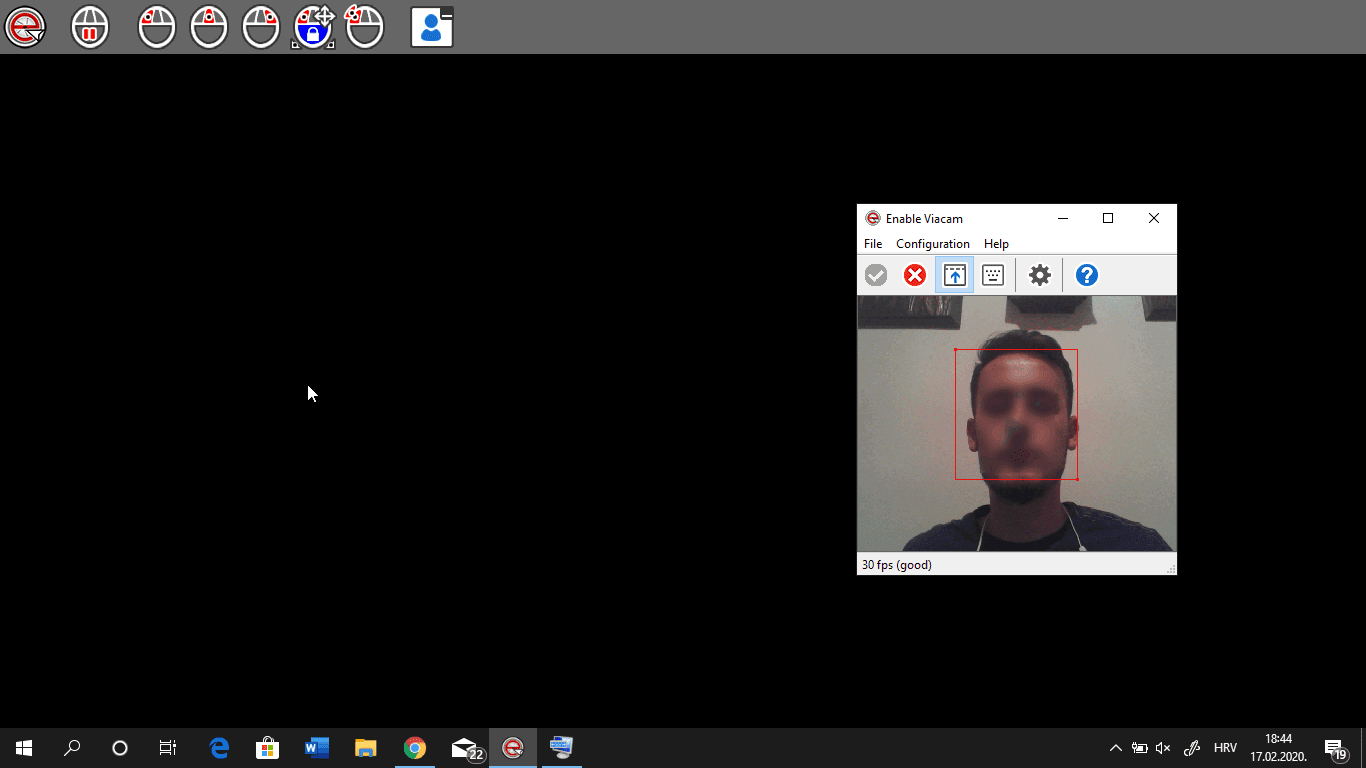
eViacam is an application that uses your computer's camera to track your head movements and move your mouse cursor accordingly. It's a great concept that can be useful to many people! While it may not replace a traditional mouse for the average user, it remains an impressive tool that offers crucial accessibility.Configuration and accuracy
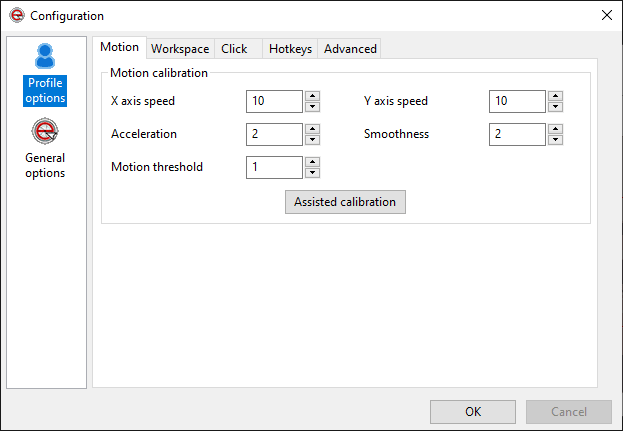
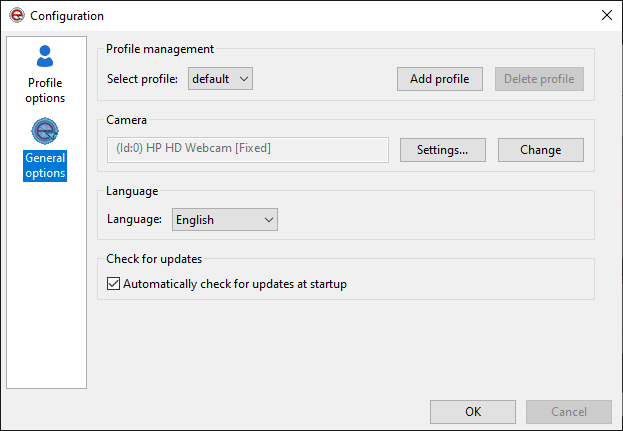
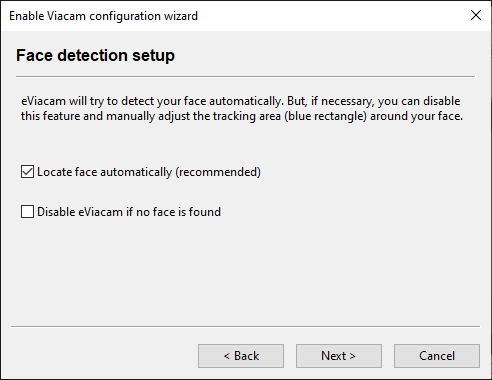
After the initial configuration where you'll calibrate your video camera and set up various settings such as sensitivity, automatic face detection, and framerate, you'll be ready to use it in no time. The most important feature this app has to offer works amazingly. If you manage to set up your camera for a framerate of more than 25 frames per second, you'll see that the mouse movement is very precise. It registers movements correctly and it should only take a minute or two to get the hang of it.Limitations with clicking
If you enable mouse clicking, you'll notice that things get a bit complicated. The only available clicking option is to hold your head still in a single spot in order to click. Clicking can be set up independently to represent a left click, double click, right click, middle button click, or a drag. It's easy to see that this can get difficult. We hope that, in the future, a better solution will emerge such as blinking once or something similar. Also, some features such as opening the on-screen keyboard don't work unless you disable UAC (User Account Control). This remains a known limitation of the software.